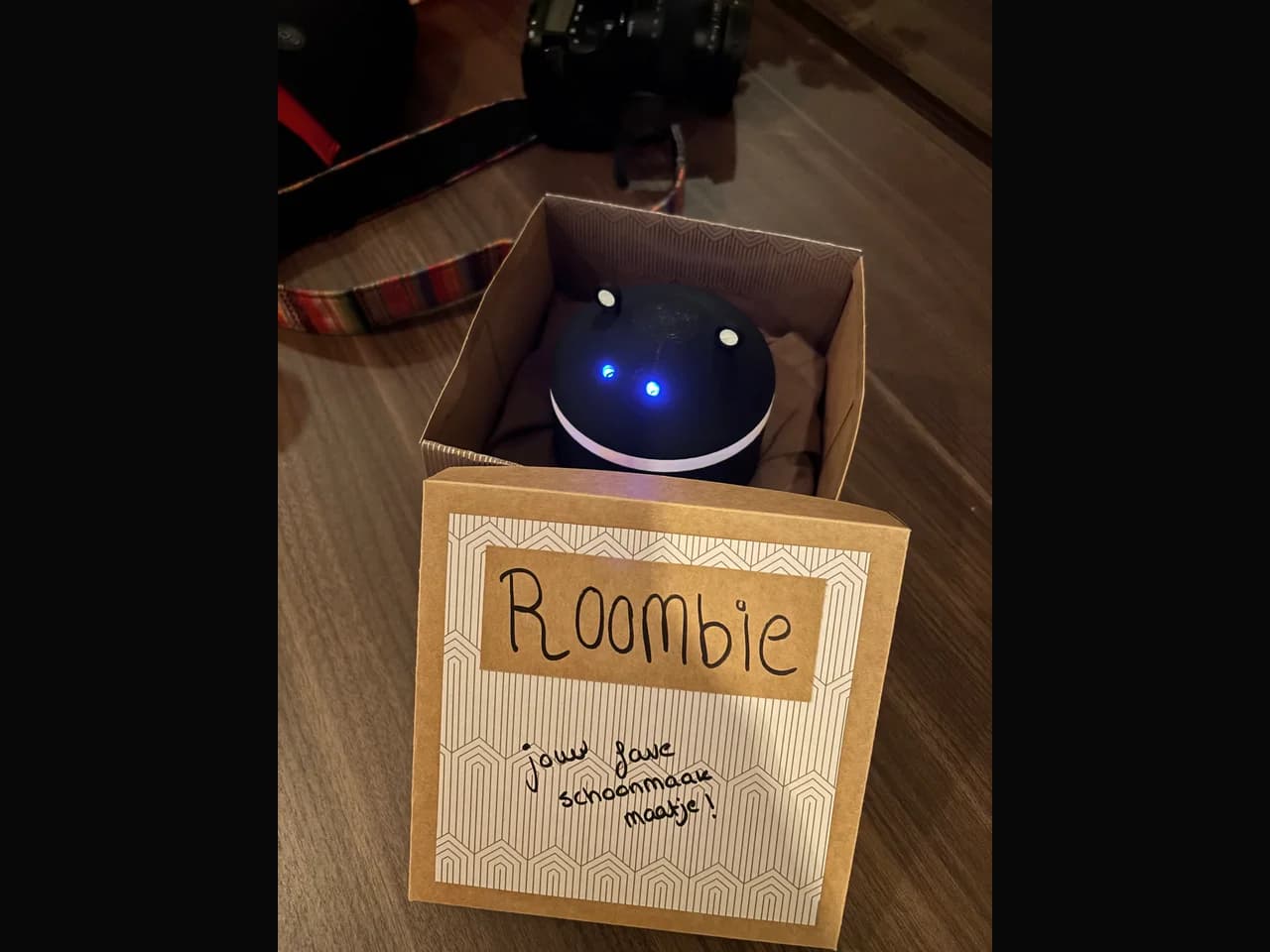
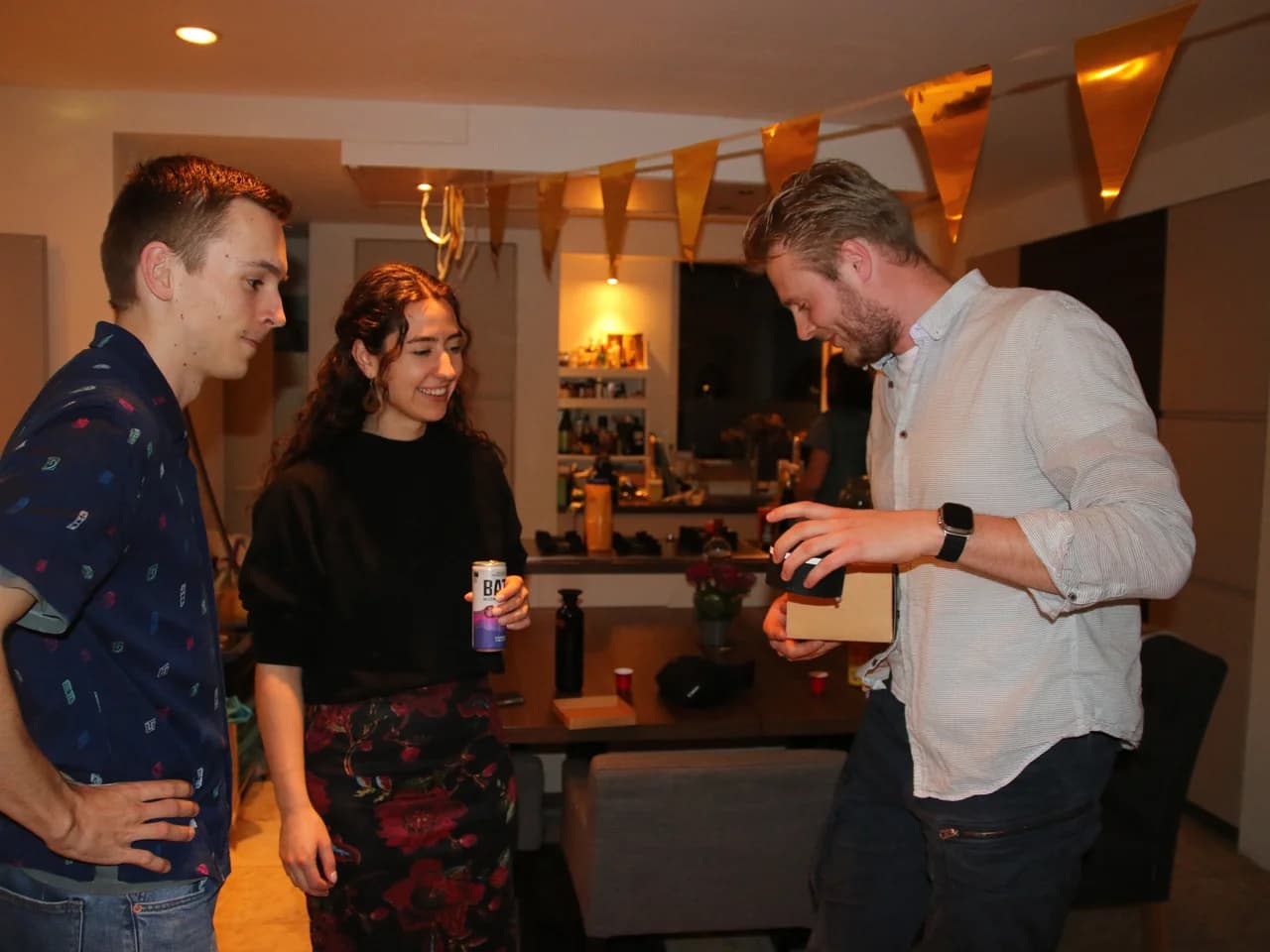
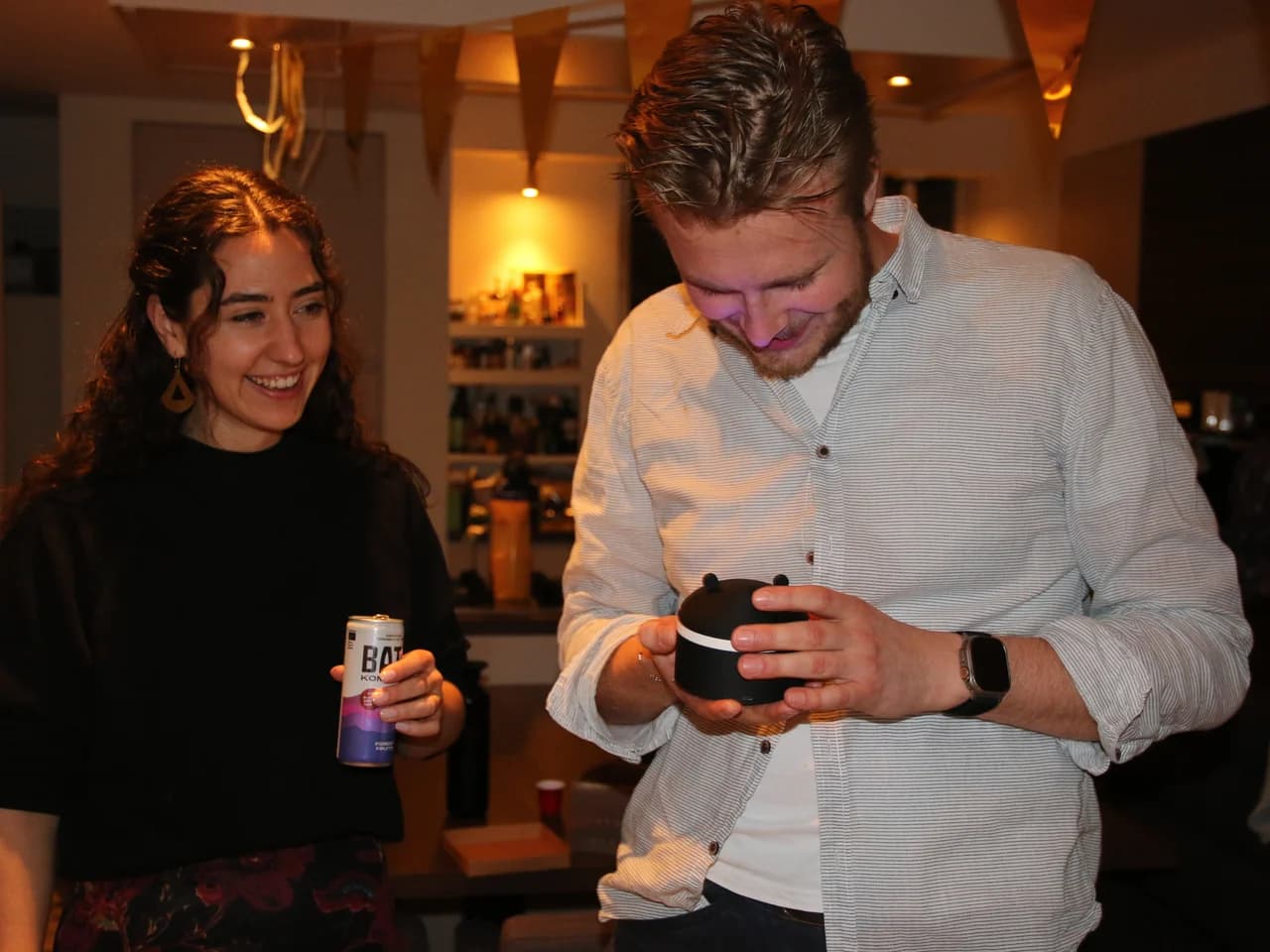
Why?
So, you might know that robotic vacuum cleaners are awesome, they run around cleaning your house. But of course, they can't get to all the places. For some people this is a reason not to get a robot vacuum, which I think is invalid. Even though it doesn't get everywhere, it can still do something, and it's a robot that cleans for you! Who cares if it is not efficient.
Anyhow, there is one place that does bother me. Because I love these things, I want to take good care of it. But the top of the robot vacuum gets dirty. And of course, I can dust that off myself. But then I am just a servant to my machine. That didn't sit right with me.
This was a bit of a joke between me and two of my friends, Ianthe and Sjors.
Version 1
I made the first version of the mini roomba back in 2022 for Ianthe's birthday. She is a great friend of mine that, at the time, was still completing her studies as an industrial designer. This mini roomba did exactly nothing a regular roomba does. It didn't vacuum, mop, clean in any meaningful way, or even just drive around. It was made from cardboard and didn't have any motors or cleaning brushes.
But what it did have was emotion, it had two eyes with an eyelash mechanism behind it, behind that were two LEDs. It was more of a tamagotchi, there were a couple of buttons on the side that gave it food, making it happy. If you didn't interact with it for a little while, it would get sad or angry. The eyelashes move up or down changing the size and form of the eyes, indicating its emotion.
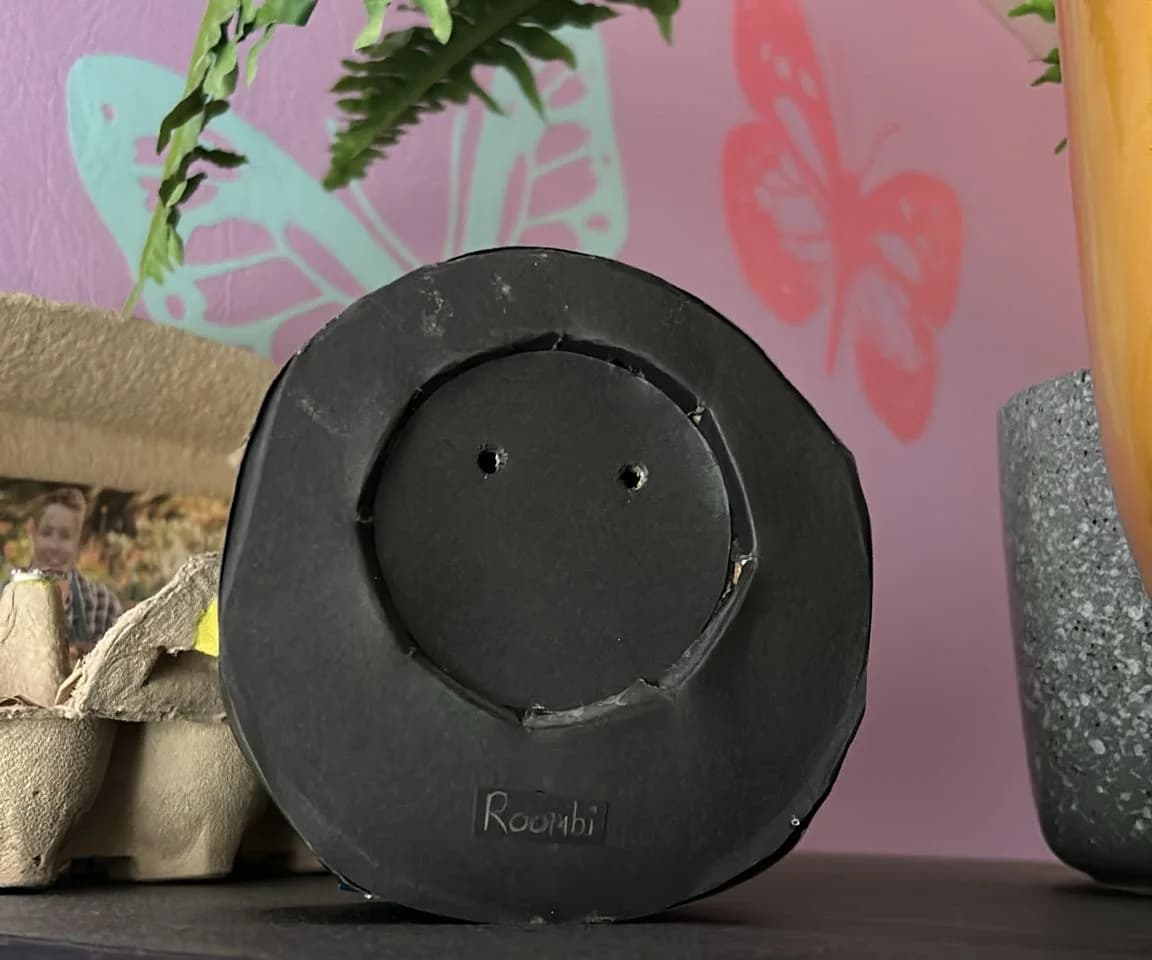
As I mentioned, this one was made from cardboard. The eyelash mechanism was made from cardstock with splitpins used to make the hingepoints, there was an Arduino Pro Micro controlling a servo, two leds and listening for user input from the buttons. Looking back, it was quite crude and simple, but it was a great project and made for a nice personal gift.
Version 2
At the end of 2024, Ianthe sent me a picture of Sjors's roomba, asking if we could make a mini roomba for his birthday coming up in March. I replied saying "Yes, that's gonna take some crafty work and effort, but I love the idea!"
The plan
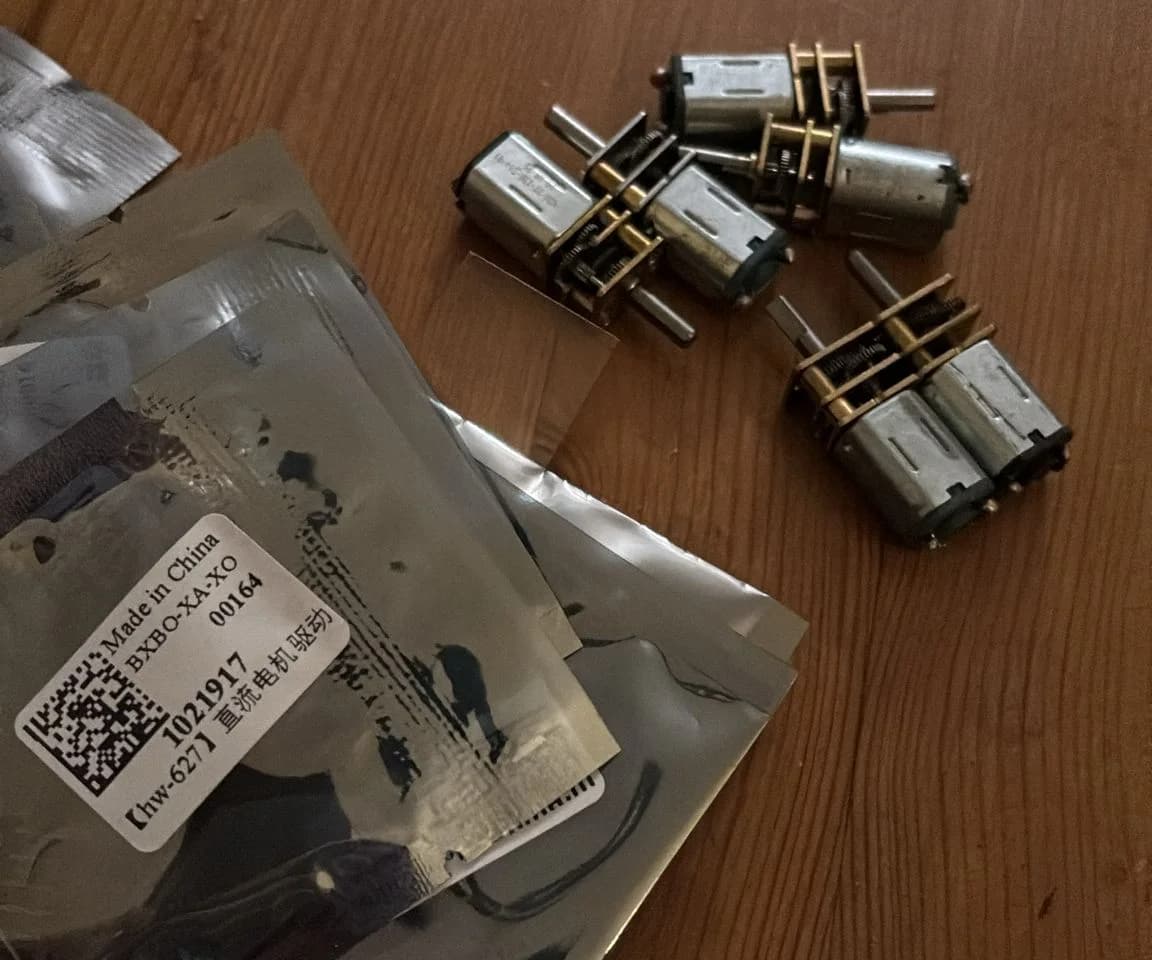
We didn't have much of a plan yet, but I started off ordering some small motors and motor drivers. I bought some DRV8833 motor drivers, together with some small geared motors with a speed of 40 RPM. I didn't do any calculations at the time, but I just guessed that I didn't want to drive too fast, and the motors were quite cheap, so buying some other ones later wouldn't be a problem if the speed wasn't right.
I started testing some of the electronics, while Ianthe started thinking about the design of the Roomba. Instead of cardboard, this one was going to be 3D printed. So we started working together on a CAD model, with Ianthe's actual degree in industrial design, and my hobbyist approach to anything 3D printing related, we had an absolute blast designing the thing.
Designing and testing the first elements
One of the elements I focused on were the new and improved eye lashes, as I created these before in the cardboard version. The idea was quite similar, but this time it would be 3D printed. So I had to design it in CAD. At this point I had designed quite a lot of static parts before, but I never modeled these parts into an assembly testing out movement or rotation. As I wasn't about to do any calculations figuring out the correct angles or lengths to use. I started learning to use my parts in assemblies and adding joints to them to make them behave how I envisioned. This worked quite well, and after some tweaking, I had the basic eye design figured out, apart from the location of the servo that was going to actually move the parts.
Designing the body
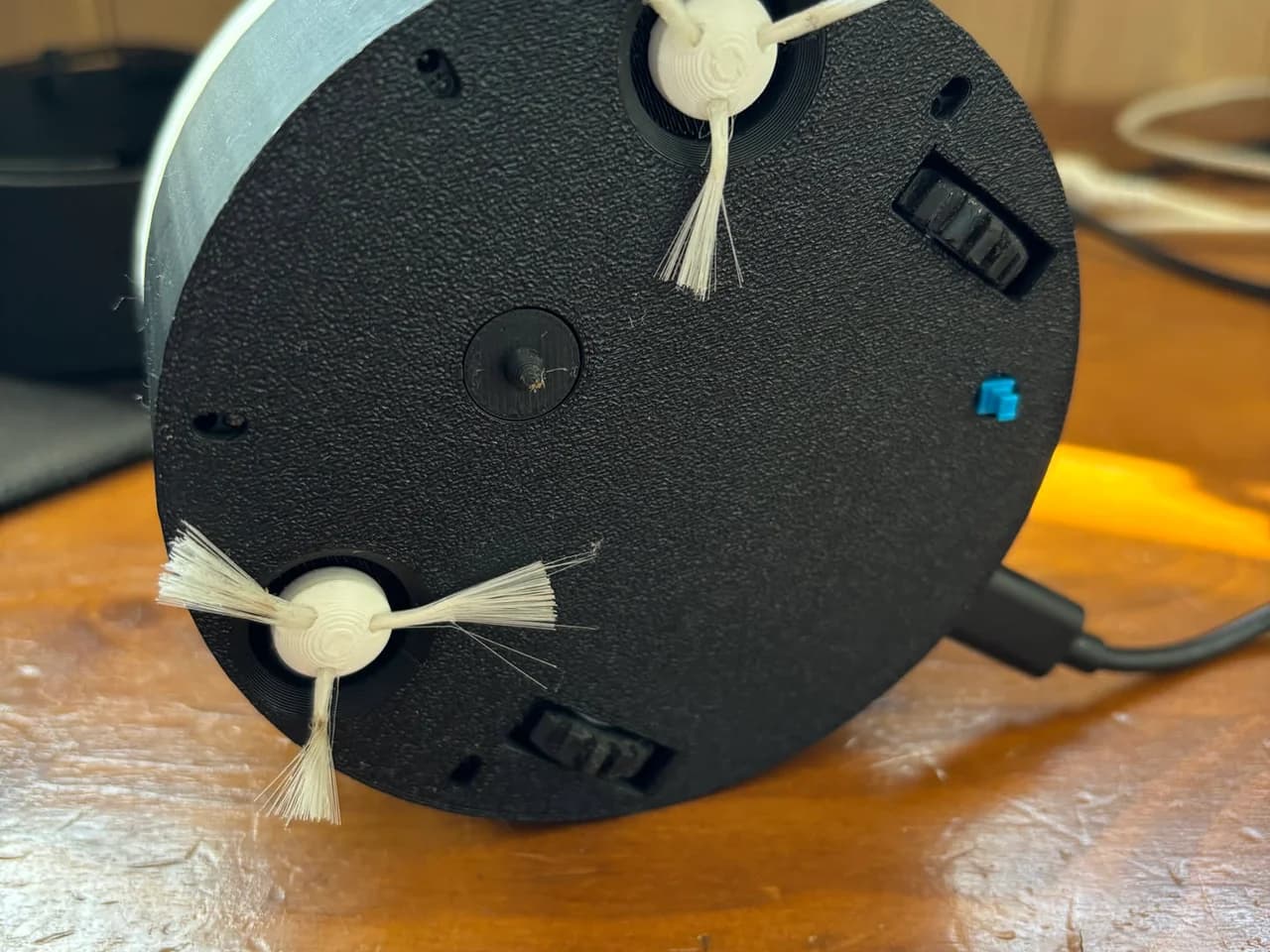
While I worked on the eye design, Ianthe continued on the design of the overall body and internals. We decided on the position of the motors and brushes, where we needed to make sure that the cliff sensor positions would be forward enough to register before driving off, as well as keeping them away from the spinning brushes. For this, we ended up placing two sets of cliff sensors. Two at the front, and two just before the rear wheels, as the rear wheels are spaced out wider than the sensors, and could otherwise still fall off a table when the robot turns. We also modeled in a small ledge on the inside, onto which we could place an internal plate to mount some more electronics. For the final design we modeled the body in CAD, we used OnShape for this, as I have experience in that software. Some of the first designs and ideas were first drawn out on paper, mostly by Ianthe, as I can't draw that well.
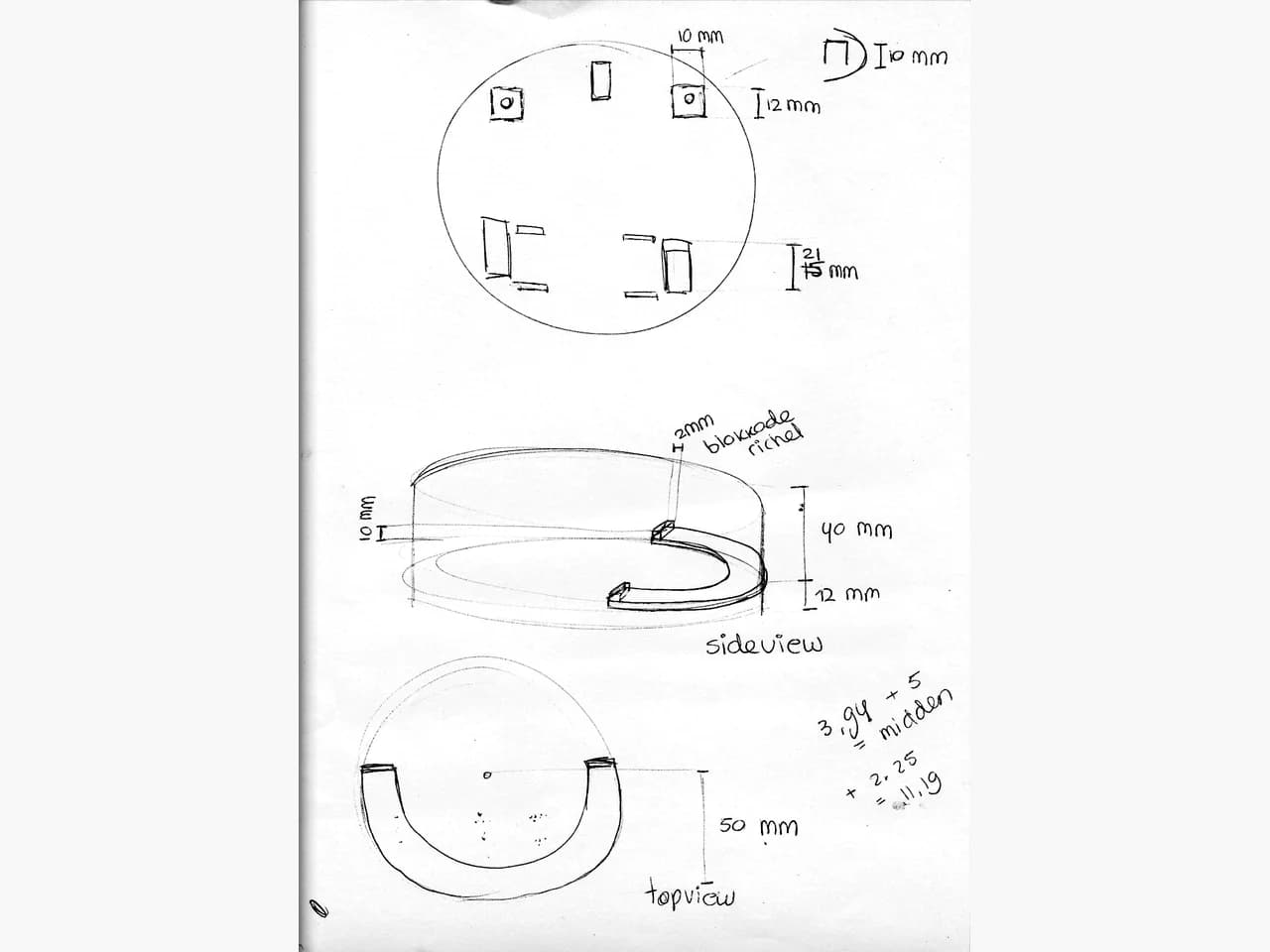
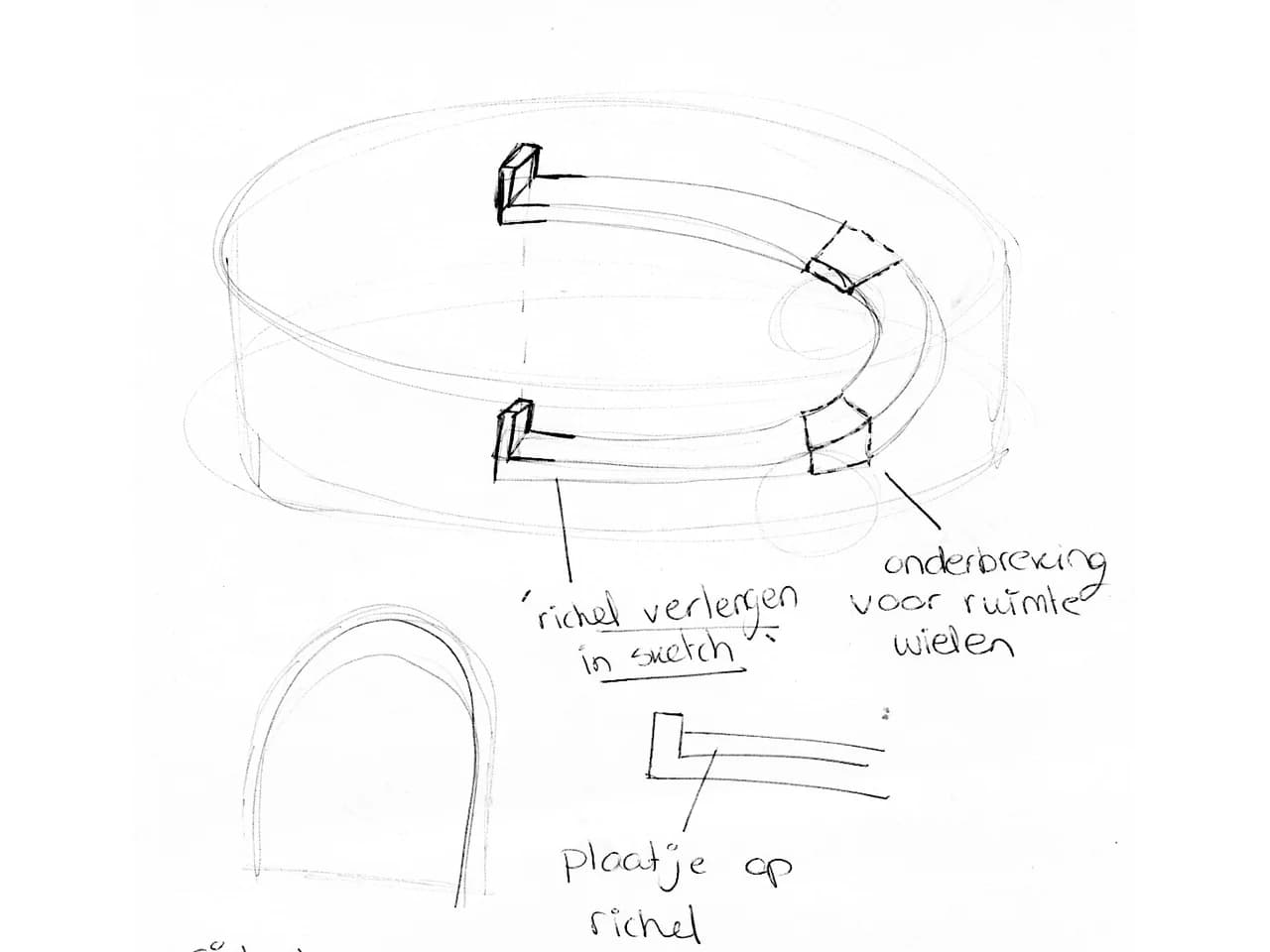
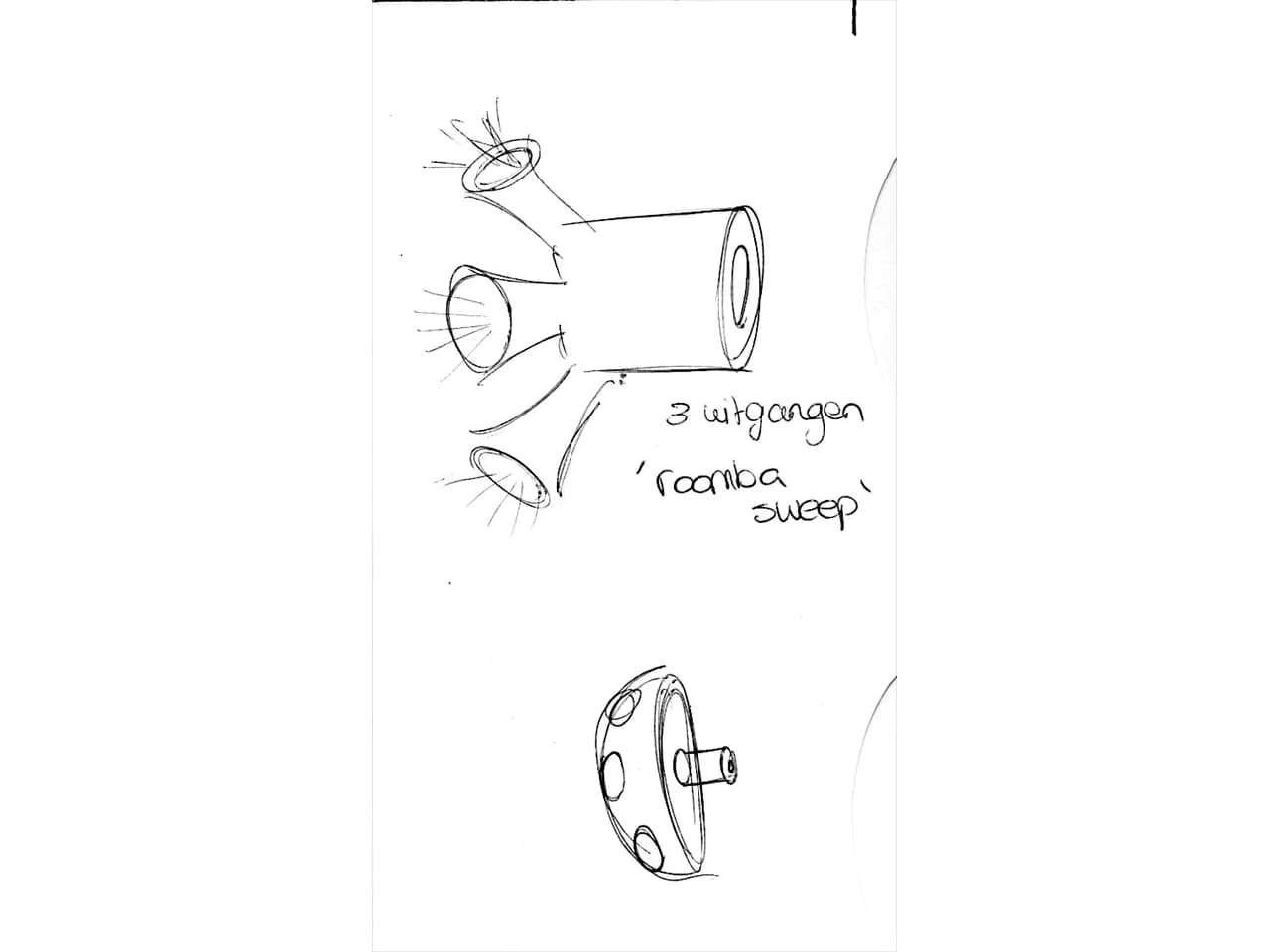
We started printing the base of the roomba, mostly to test fitment of the motors, cliff sensors and for me to start writing the first bit of software. I have quite a bit of experience in C and C++, but have never made a robot from scratch like we were doing now. However, using this kind of sensors and motors was actually quite similar to some assignment on my Network and System engineering HBO study. This gave me a pretty good idea for how I wanted to program the different elements and bring them together to make the roomba drive around on its own. After some work on the electronics and software, the roomba was able to drive around in a straight line, started and stopped using an HTTP connection. I was quite excited and sent Ianthe a video of its first little steps.
Feb 28, 2025
Writing the software
I knew the roomba wasn't going to be the brightest, I wasn't about to write a full algorithm to make it map the surface and clean it well. Because of this, I started thinking about the other options. It needed to look cool, not fall off the surface and sort of clean it. And I thought about the old DVD logo standby screen, with it taking a turn every time it hit a corner, covering quite some surface area of the screen. This would be quite simple to program and make the roomba drive around quite well. I wouldn't need to map anything at all, the only requirement would be that the cliff sensors would need to detect the edge and, when they found one, the roomba would make a turn.
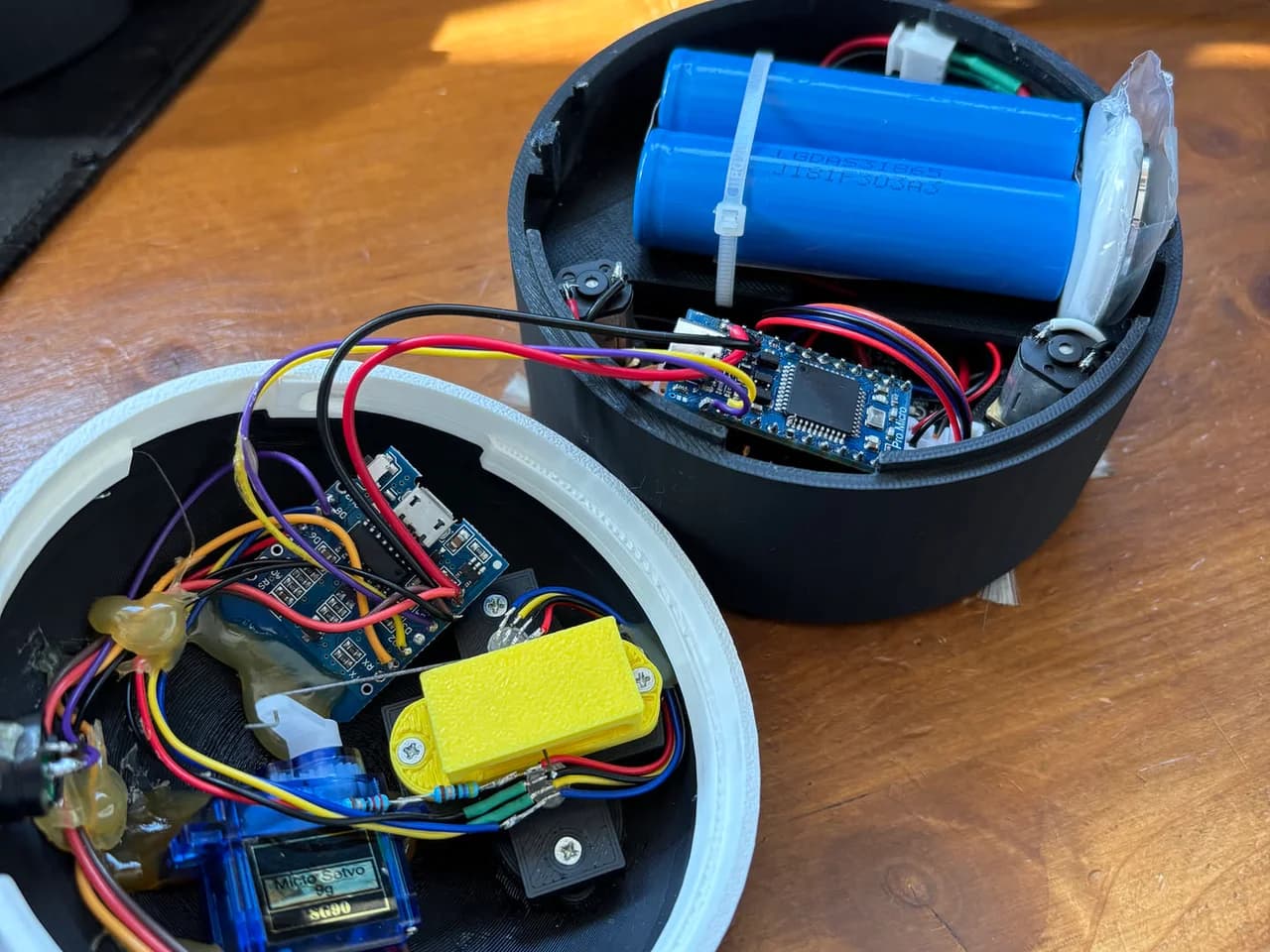
With the first steps of driving covered, I started testing some of the other features we wanted, first the brushes. These also used some mini geared motors and were driven with the same kind of motor driver as the drive motors. These were wired up differently to the drive motors as they would only need to be turned on and off as a group. No need for them to turn backwards or individually, so the motor driver was a bit overkill, but I had it on hand. I only wired up the enable pin of the DRV8833 to the Arduino.
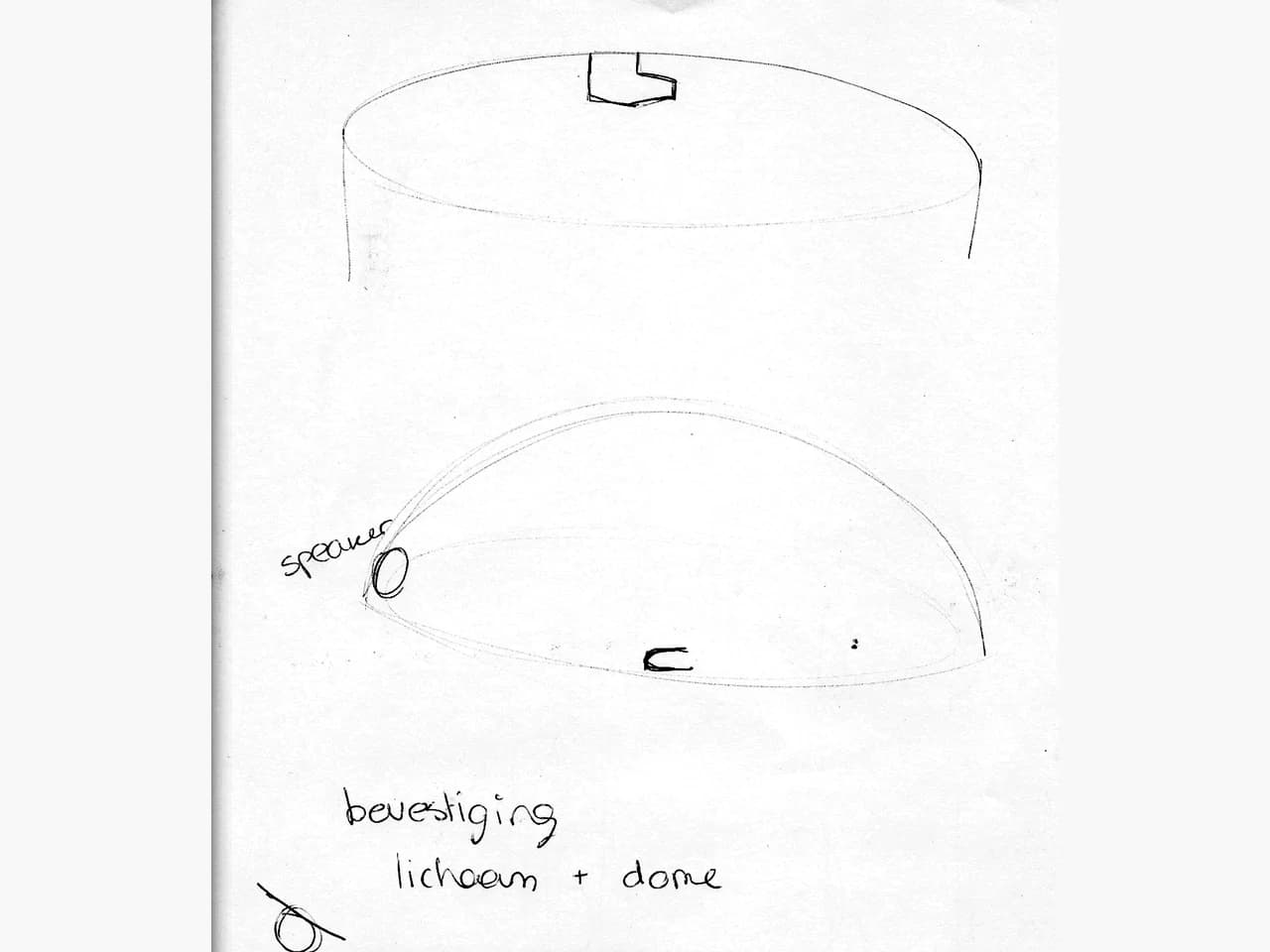
After which it was time for the other big feature, the emotions. We worked on the dome design and printed out a couple of tests, figuring out the mounting system for the eye mechanism and placement for the eyes. We designed this in multiple pieces for easier prototyping, as we wouldn't need to print the whole dome each time. Only requiring smaller parts to be tweaked and printed. I discovered that I needed a little bit more room in the dome for the servo to move, for which I printed an extension ring for the dome to sit on. This ring also had the mounting mechanism for the dome, for which we used a twist lock, mounting the dome to the body. For testing I printed the ring out of white filament. But when I showed Ianthe, we liked the contrast so much that we ended up keeping it white, giving us the idea of adding panda ears to the top of the dome to complete the look of the eyes.
I was quite excited at this point, things were coming together nicely and it started to look really cool. I love the moving eyes, I think it gives quite a bit of emotion to the roomba. The plan was to mount two RGB LEDs behind the eyelids, which would be able to change colors. For this, three PWM outputs were needed to control the red, green and blue light channels. As well as a PWM signal for the servo. However, I was running out of usable pins on my Arduino, and I still wanted WiFi capability to provide some sort of interface. So, I added the Wemos D1 mini to the dome of the Roomba, creating a serial bus between the two microcontrollers. The emotions and webserver will be handled by the Wemos, while the driving motors, brushes and cliff sensors were handled by the Arduino.
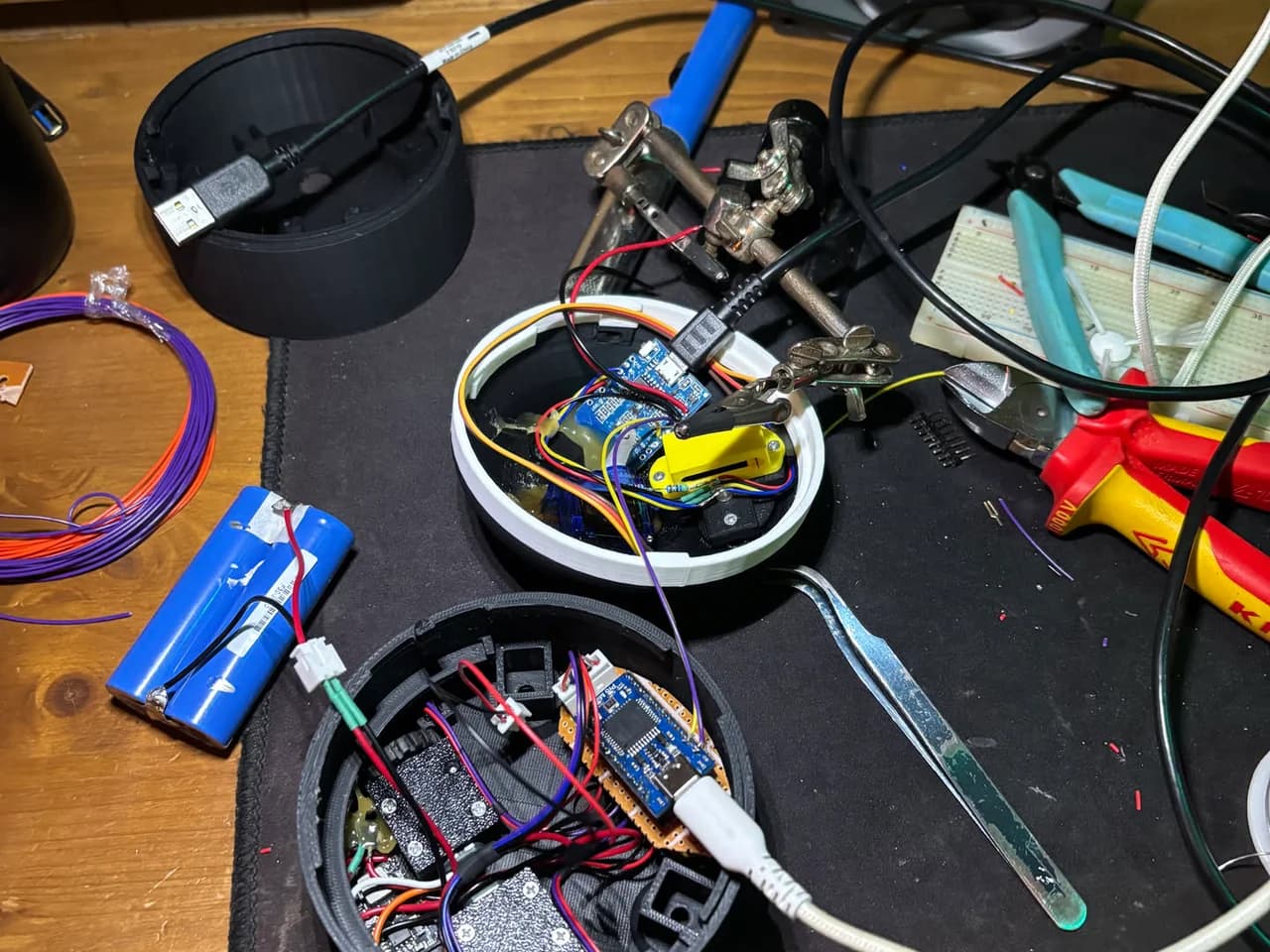
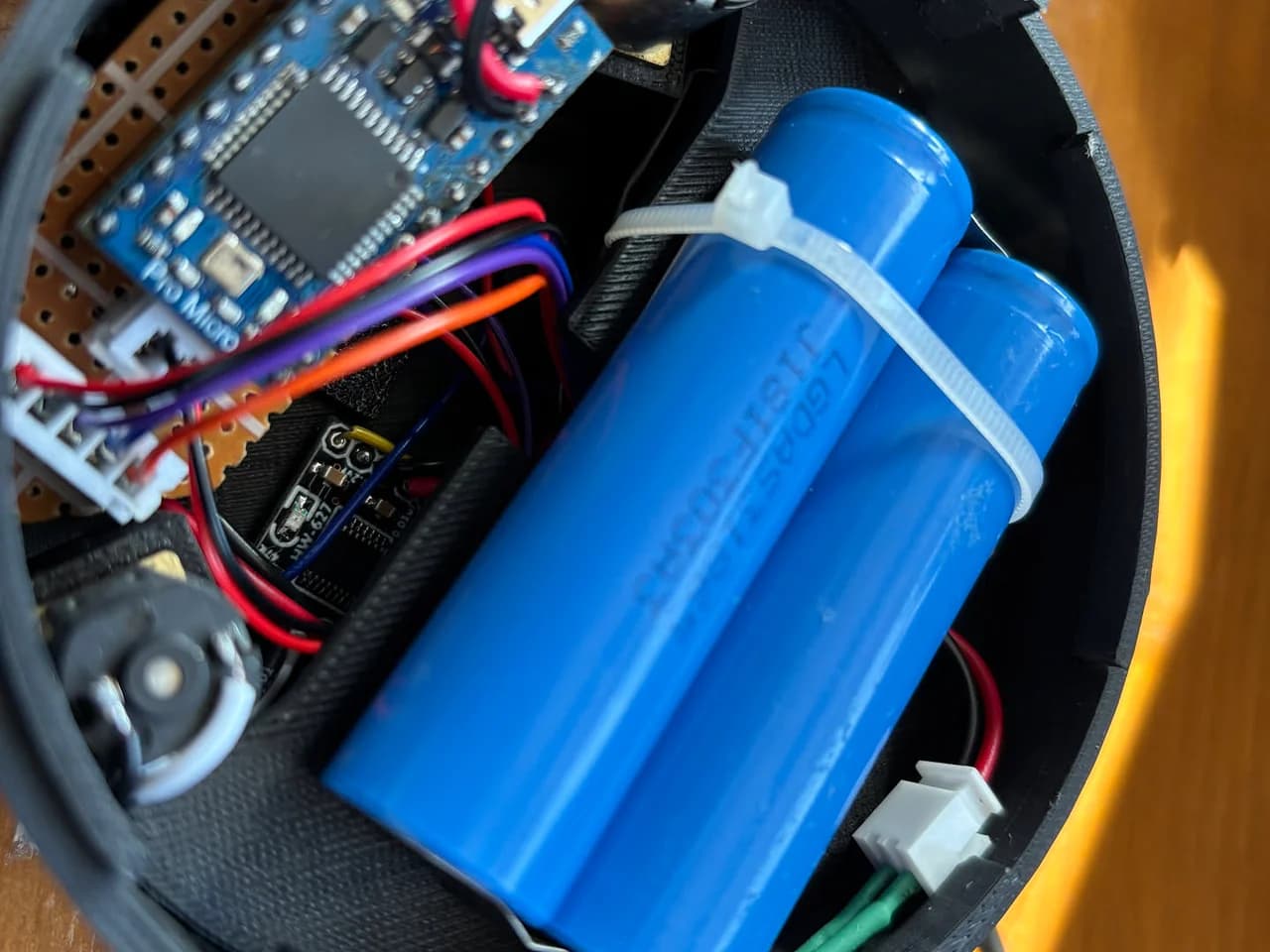
The electronics were coming together quite nicely, which was quite important, as the party for Sjors's birthday would be in about 24 hours. Now it was time for final assembly, and making sure everything still worked as planned. We created some small brushes, created out of a 3D printed center hub with brushes from a paintbrush glued in. We went over a couple of iterations trying different ideas to mount the brushes into the 3D print, but ended up on glue being the best choice. I mounted in all the electronics and made the final solder connections. Now around midnight the day before the party, I performed the test of the first fully assembled version.
The day of the party
At its current state, Roombie was already quite cool. But he was still missing some features. There was no web ui yet, HTTP connectivity was in place, but I only used some GET and POST requests for debugging. There was no UI at all. There was also no speaker yet, even though we planned for it in the design of the dome, creating some holes in the back for a speaker to be mounted. I also had some more ideas to give Roombie more character, making some noises when you picked him up, occasionally making some noises when making turns, and anything else I could come up with before the party.
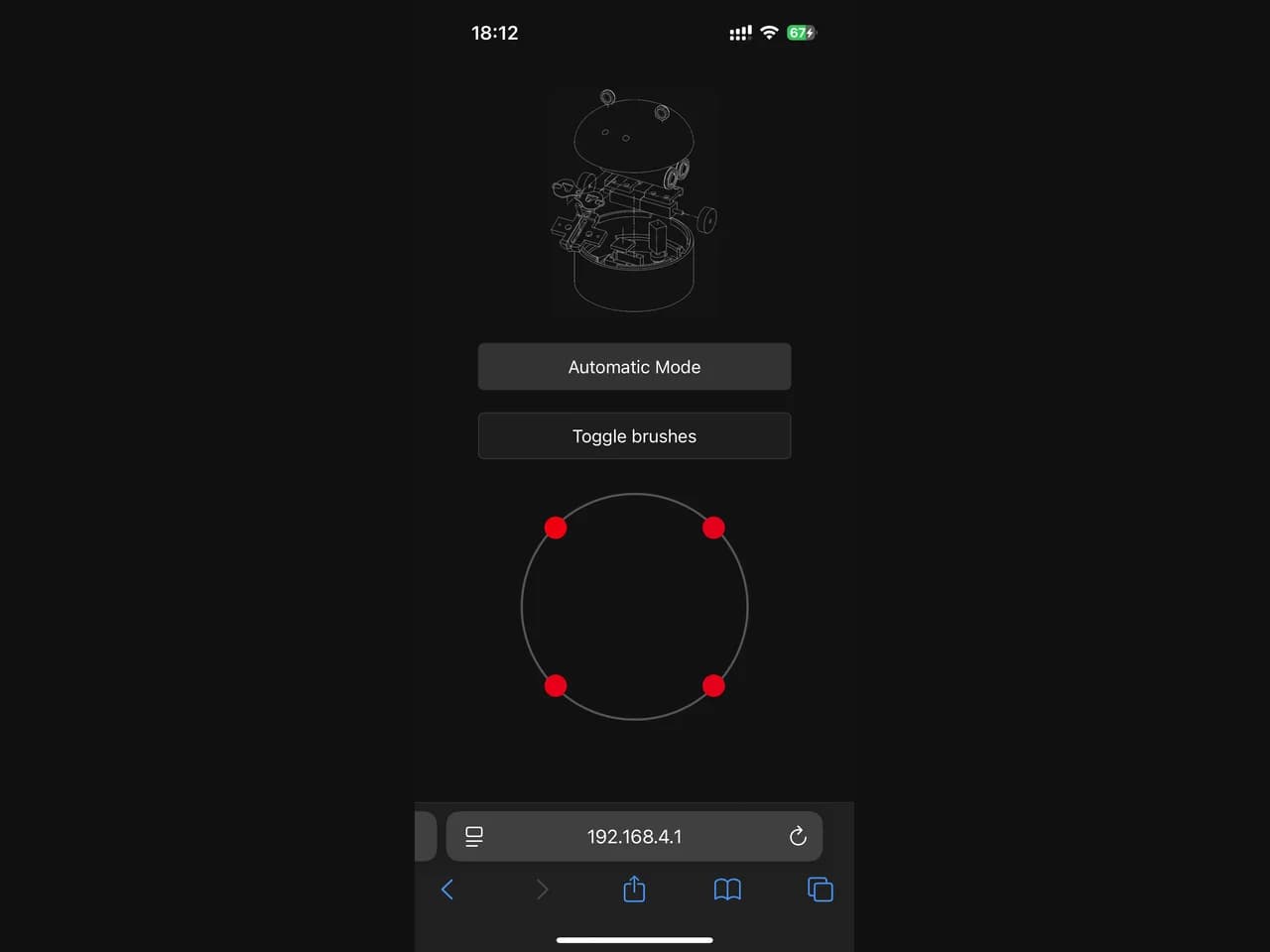
As the party only started at 9PM, I started doing some more work. I mounted a small speaker in the dome, which was connected to the Wemos D1, which provided a PWM signal directly to the small PC speaker. It was only going to make simple notes, no real audio files. I used the cliff sensors to determine if Roombie was picked up. I also added some random noises and blinking of the eyes while Roombie was driving around. I let some AI agent create a simple WebUI, this was not going to be a key feature of the Roomba, and it would only provide some way to start and stop it from driving around. I added a wireframe render of the exploded view created in OnShape.
The party!